
How to Change Your Business Hours on Google (2026 Step-by-Step Guide)
· Updated · 5 min read · Read in Français, Italiano, Deutsch, Español
Contents
To change your hours on Google, sign in with the account that manages your Business Profile, search for your business on Google or Google Maps, then click “Edit profile” → “Hours” → Edit (the pencil) → “Save”. The change usually shows within about 10 minutes, but Google can take up to 30 days to review it.
Your hours are the first thing customers check: before the address, before the phone number, before the reviews. One mistake and a customer finds the door locked and doesn’t come back. Here is the exact method, then the cases that cause trouble.
Change your hours on Google, step by step
- Sign in to the Google account that manages the business (owner or manager of the profile).
- Find your business: type its exact name in Google Search or Google Maps. Your profile’s management panel appears at the top of the results.
- Click “Edit profile”, then the “Hours” tab.
- Next to the opening hours, click Edit (the pencil icon).
- Pick “Open with main hours” and enter the opening and closing time of each day (“Opens at” / “Closes at”).
- Click “Save”.
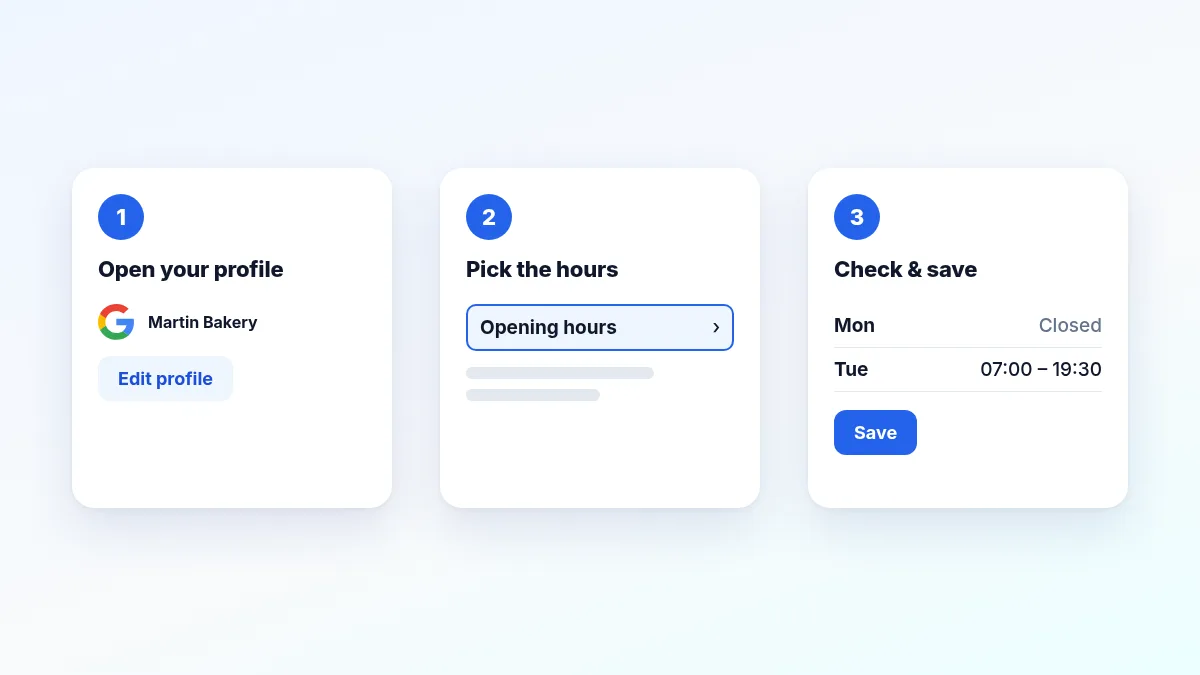
On mobile, the path is the same in the Google app or Google Maps: search for your business while signed in to the right account, then “Edit profile” → “Hours”. The old standalone Google My Business app no longer exists.
Pick the right opening status
On the hours screen, Google offers:
- “Open with main hours”: the normal case, hours day by day;
- “Open with no main hours”: if you don’t want to show hours (appointment-only business, for instance);
- “24 hours”, ticked day by day.
For a closure longer than six days (renovation, long vacation), don’t use your hours: mark the business as temporarily closed in the profile information instead, and reopen it when you’re back.
Add a lunch break
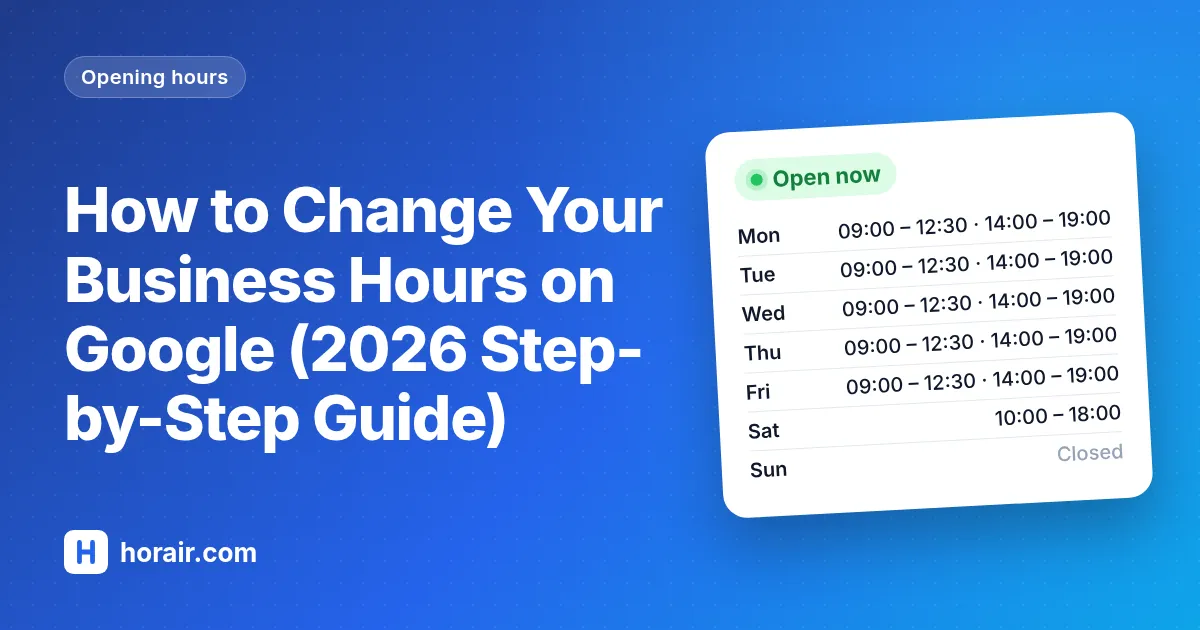
If you close from noon to 2 pm, click “Add hours” on that day to create a second time slot (9 am – 12 pm, then 2 pm – 7 pm). Never enter 9 am – 7 pm “to keep it simple”: Google favors businesses that are open at the time of the search, and a customer who finds the door locked leaves a bad review.
Holidays and time off: special hours
For a specific date, don’t touch your regular hours: use “Special hours”. They cover the days when you temporarily change your hours or close for up to six days in a row, and Google even suggests the upcoming public holidays. Set them a few weeks ahead: without confirmation, Google shows “Hours might differ” on holidays. The full method is in our guide to holiday hours on Google and Facebook.
For a service with different times (delivery, takeout, drive-through), use “More hours” rather than changing your opening hours.
My edit is “Pending”: what now?
Google reviews every edit before publishing it. According to Google’s own help, it ends up in one of these statuses:
| Status | What it means |
|---|---|
| Accepted | Your new hours show on your profile. |
| Pending | The edit is still under review: usually about 10 minutes, sometimes up to 30 days. |
| Not approved | Google couldn’t confirm the information is accurate. |
What to do:
- Don’t resubmit the same edit while it’s under review: it is already queued, doubling it speeds nothing up.
- Check the status with Google’s “Check your edit status” link.
- Make the information verifiable: Google rejects what it can’t confirm. The same hours on your website, your Facebook page and your storefront help it validate.
- If it’s rejected, you may be able to appeal from Google’s help center, or use “Contact us”.
Why does Google change my hours on its own?
Anyone can “suggest an edit” to your profile, and Google sometimes applies them automatically. Check your profile regularly, or use a tool that spots these differences and restores your real hours. If Google says you’re closed while you’re open, follow our guide Google says closed but my business is open.
What about Facebook and your website?
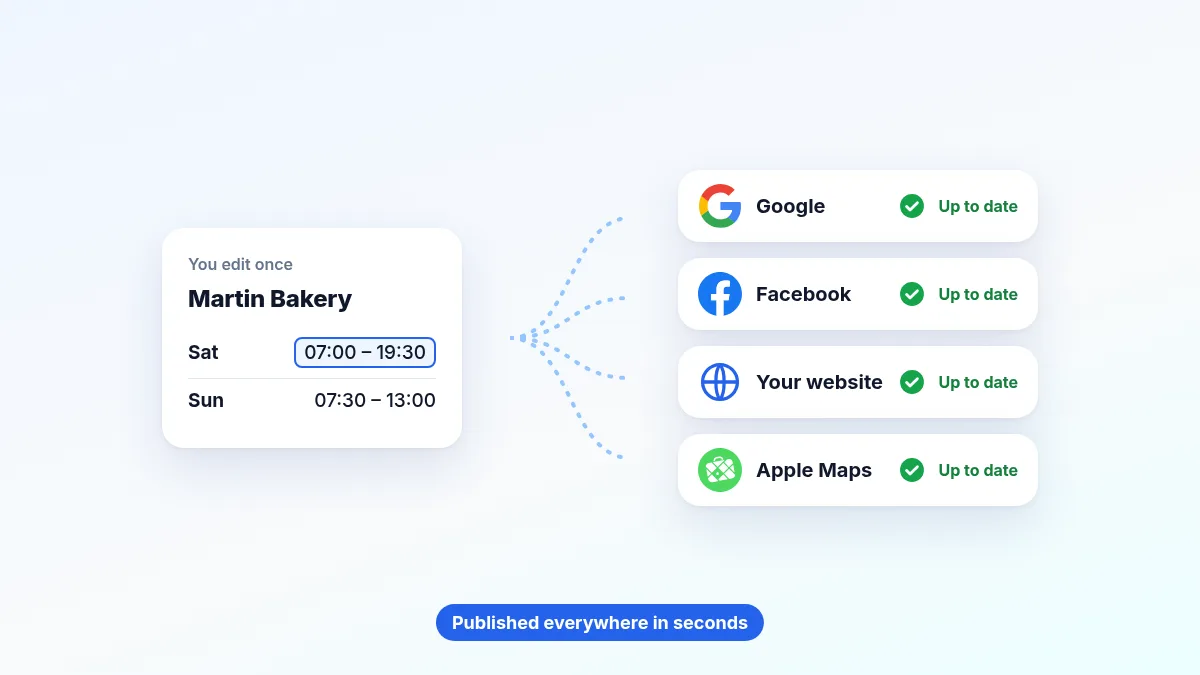
This is where most businesses lose time: every change has to be repeated on the Google profile, the Facebook page, the website and sometimes directories. As a result, industry studies show that about 1 in 10 business profiles has missing or wrong hours or phone numbers. And hours that contradict each other across platforms are also what gets your edits rejected by Google.
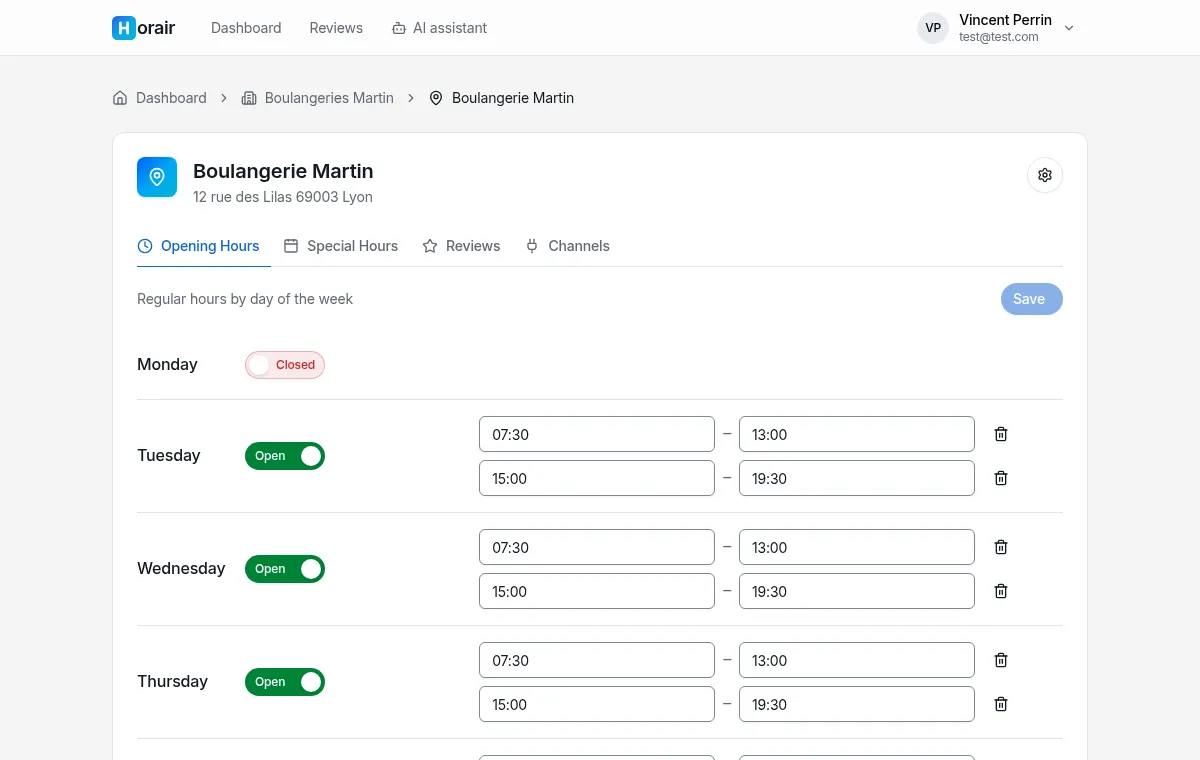
A tool like Horair centralizes your hours: you change them once, and they go out automatically to Google, Facebook and your website. Special closures can be scheduled in advance, and the whole team can see who changed what. Going further: sync your hours on Google, Facebook and your website.
In short
| I want to… | In Google |
|---|---|
| Change my regular hours | “Edit profile” → “Hours” → Edit |
| Add a lunch break | “Add hours” on that day |
| Handle a holiday or a short closure | “Special hours” |
| Show delivery or takeout times | “More hours” |
| Know where my edit stands | “Check your edit status” |
| Sync everything automatically | A centralized tool like Horair |
Frequently asked questions
How long until my new hours show on Google? Usually about 10 minutes. Google can still take up to 30 days to review an edit; while it’s “Pending”, the old hours stay visible.
Can I change a business’s hours without owning it? No, only an owner or manager of the profile can change them directly. Anyone else can only “suggest an edit”, which Google reviews.
Do hours changed on Google also change on Google Maps? Yes: it’s the same Business Profile, shown in Search and in Maps. Facebook, your website and other platforms have to be updated separately.
How do I show a lunch closure? With two time slots on the same day, using “Add hours”.
Updating your hours takes two minutes, as long as you don’t have to do it six times. Try Horair for free and never touch your Google profile by hand again.