
Opening hours on PrestaShop: the module to show your store hours
· 2 min read · Read in Français

Contents
Selling online with PrestaShop and running a physical store? Customers check your site before coming over, especially for in-store pickup. If the hours shown aren’t today’s (special closure, public holiday, summer hours), you lose a sale and gain a bad review.
The Horair module for PrestaShop displays your opening hours and keeps them up to date on its own.
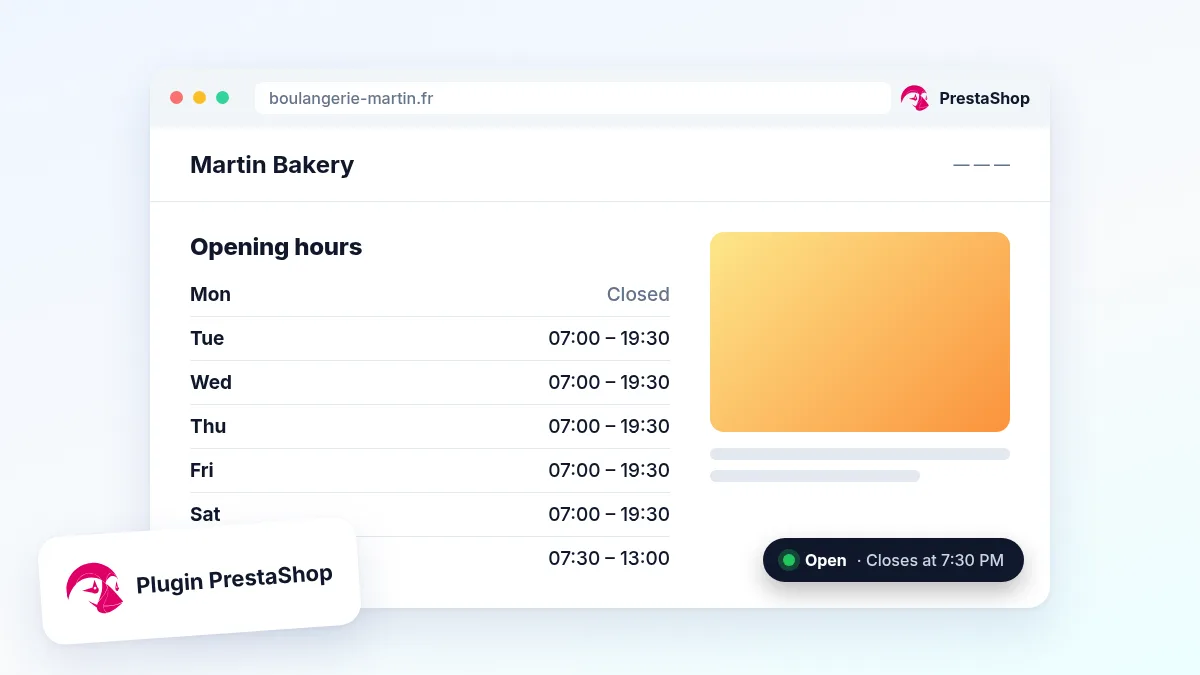
What the module does
- Weekly hours and upcoming special hours, updated every time you change them in Horair.
- Live open/closed badge in a corner of the screen; a click shows your week. It is computed from the hours stored on your shop, with no external call from your visitors’ browsers.
- schema.org structured data so Google understands your hours.
- Smarty cache cleared automatically: no stale version is ever served.

Show the hours wherever you want
Two ways to place them:
- Transplant the module onto a hook (footer, column, Contact page) from Design → Positions, using the settings of its configuration page;
- Or drop it into a template with the Smarty widget:
{widget name='horair'}                   {* the hours *}
{widget name='horair' group=1}           {* identical days grouped: Monday – Friday *}
{widget name='horair' specials=0}        {* without special hours *}
{widget name='horair' badge=1}           {* the open/closed badge inside the page *}
Installation
- Download the Horair PrestaShop module.
- In the back office: Modules → Module Manager → Upload a module, drop the zip.
- In Horair, open your location → Channels → Website plugin and copy the connection key.
- Paste the key into the module’s configuration: your hours arrive immediately.
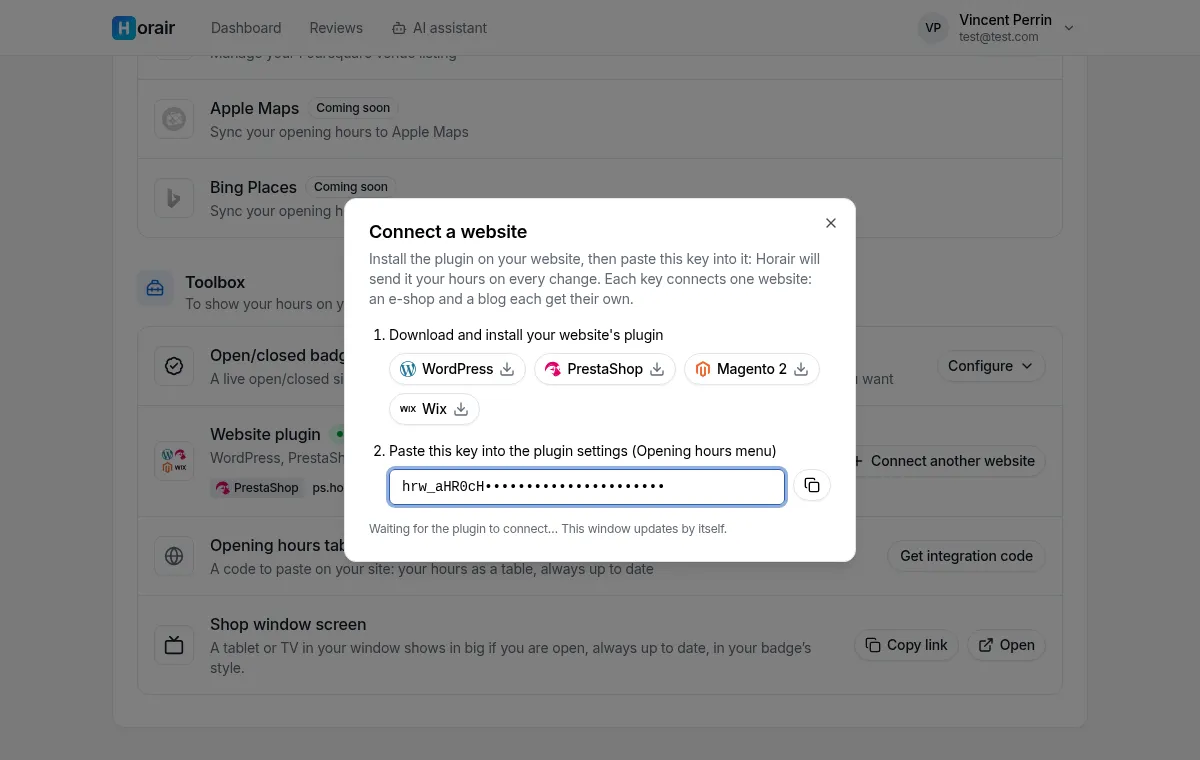
Works with PrestaShop 1.7.7 and later (including PrestaShop 8). Interface in English, French, German, Spanish and Italian.
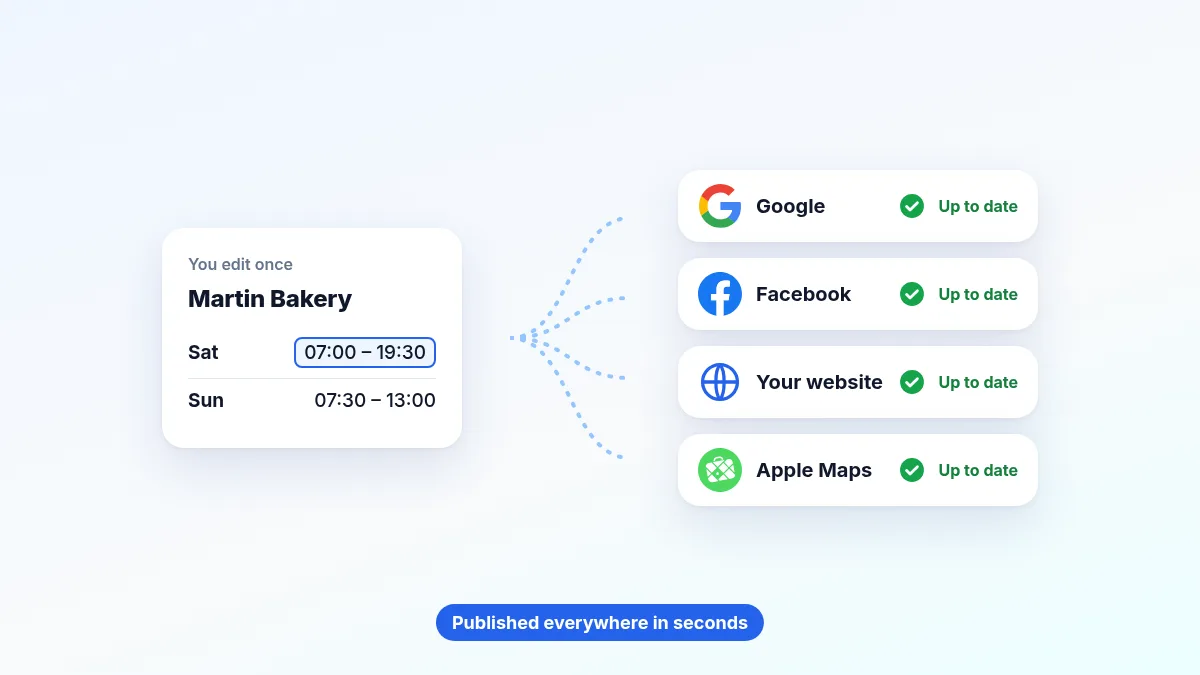
One change, everywhere
It’s not only about the website: the same source feeds your Google Business Profile, your Facebook page and your shop. Change an hour in the Horair app (or over WhatsApp) and everything follows. No more gaps that make Google say you’re closed when you’re open. For the bigger picture, read our guide to syncing your hours on Google, Facebook and your website.
Schedule your holiday hours once for the whole year, too.
Other platforms
The same service exists for WordPress, Magento and Wix.
Try Horair for free and connect your PrestaShop store.